Solo Developer · 2020
Nino to the Sky - Mobile game
About
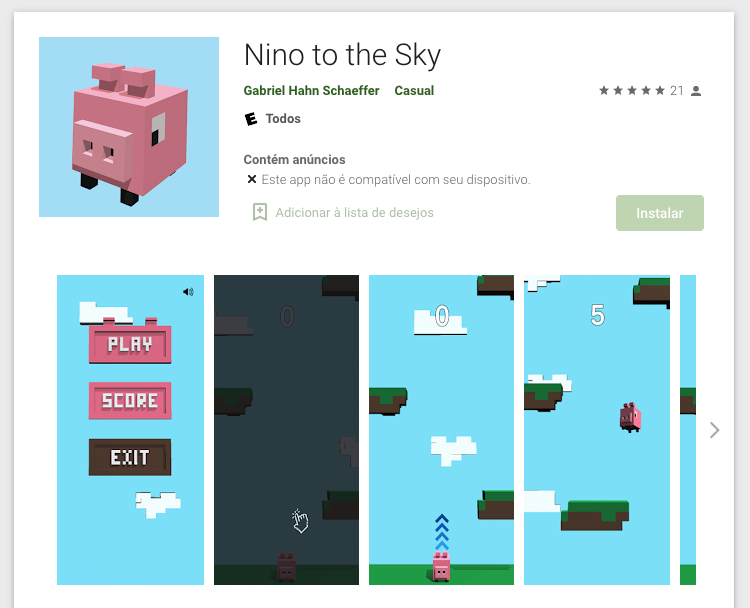
Nino to the Sky is a casual vertical platformer I made on my own and published to Google Play under my own name. You play a small pink pig climbing an endless stack of floating platforms, trying to get higher than you did last time before you miss one.
The goal with this project was to create something small but shippable that I could build on my own in my spare time. I set a one-month timeline, as a challenge to figure out how to build this game. I had prior experience with game development, but not production-ready apps or shipping them, although a big chunk of the CI/CD is similar to other mobile apps once the game is built.
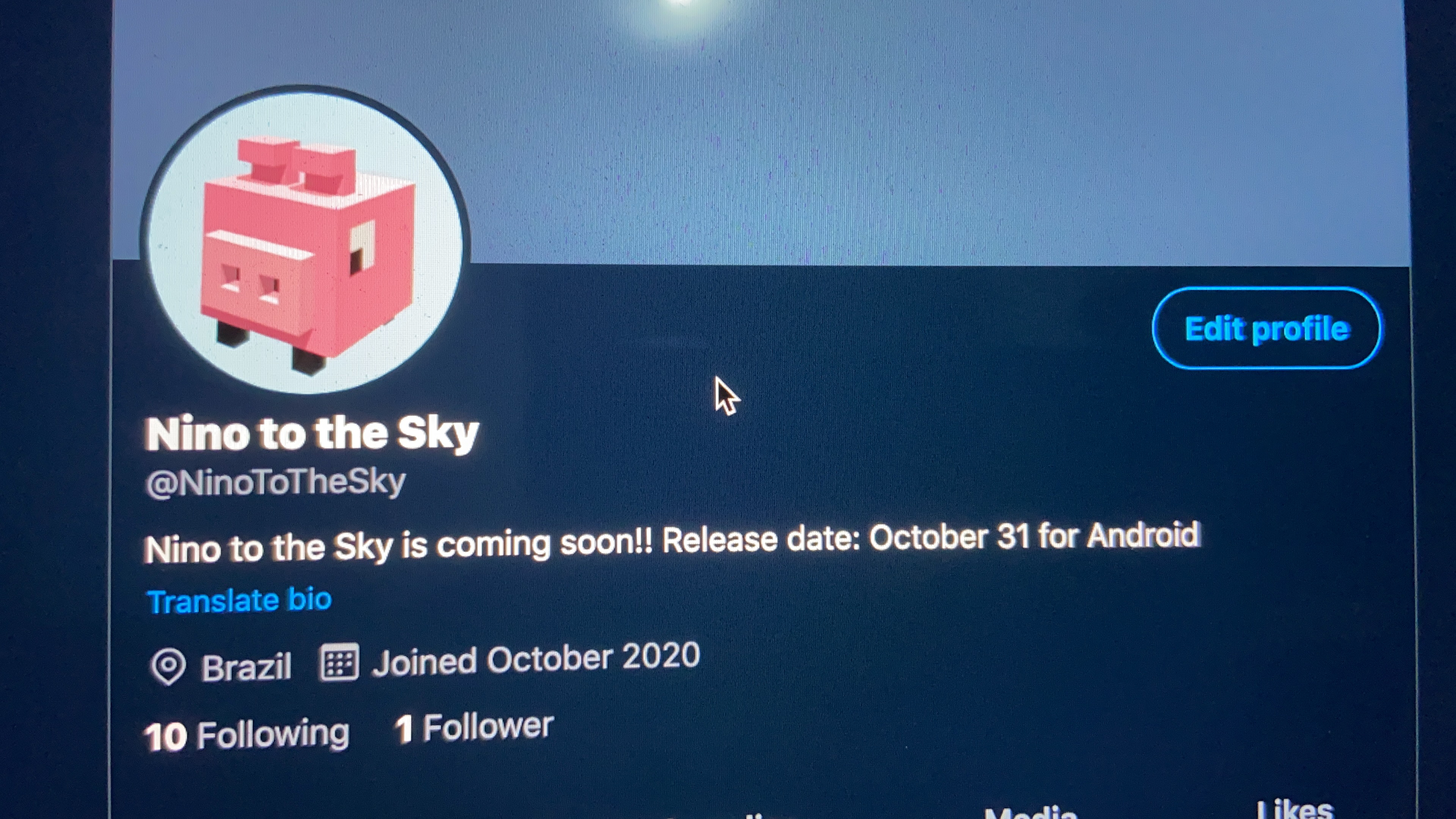
I even created a Twitter/X profile to promote the game while developing it.
The project
Solo means solo. Every part of this was mine:
- The game — Unity and C#: the jump and fall physics, procedural platform generation, difficulty ramp, scoring, the day and night variants of the level, and the menu.
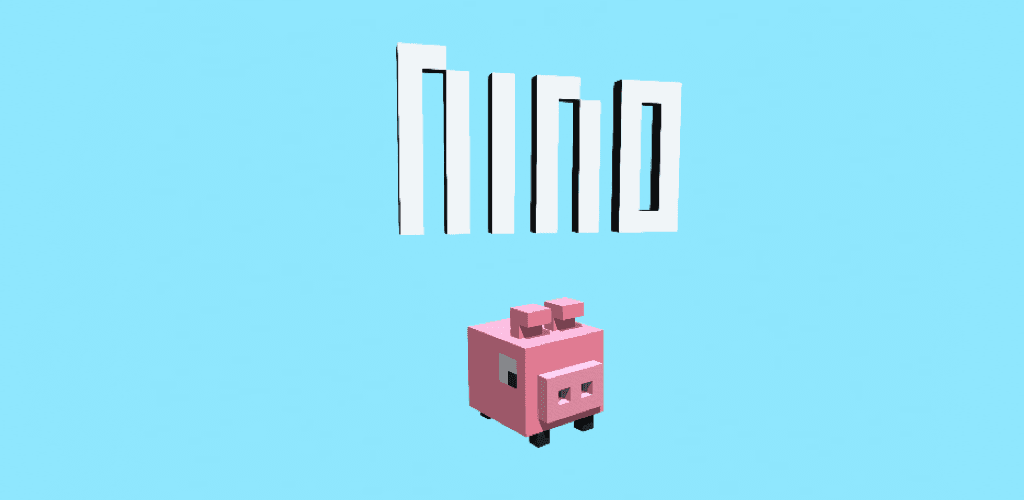
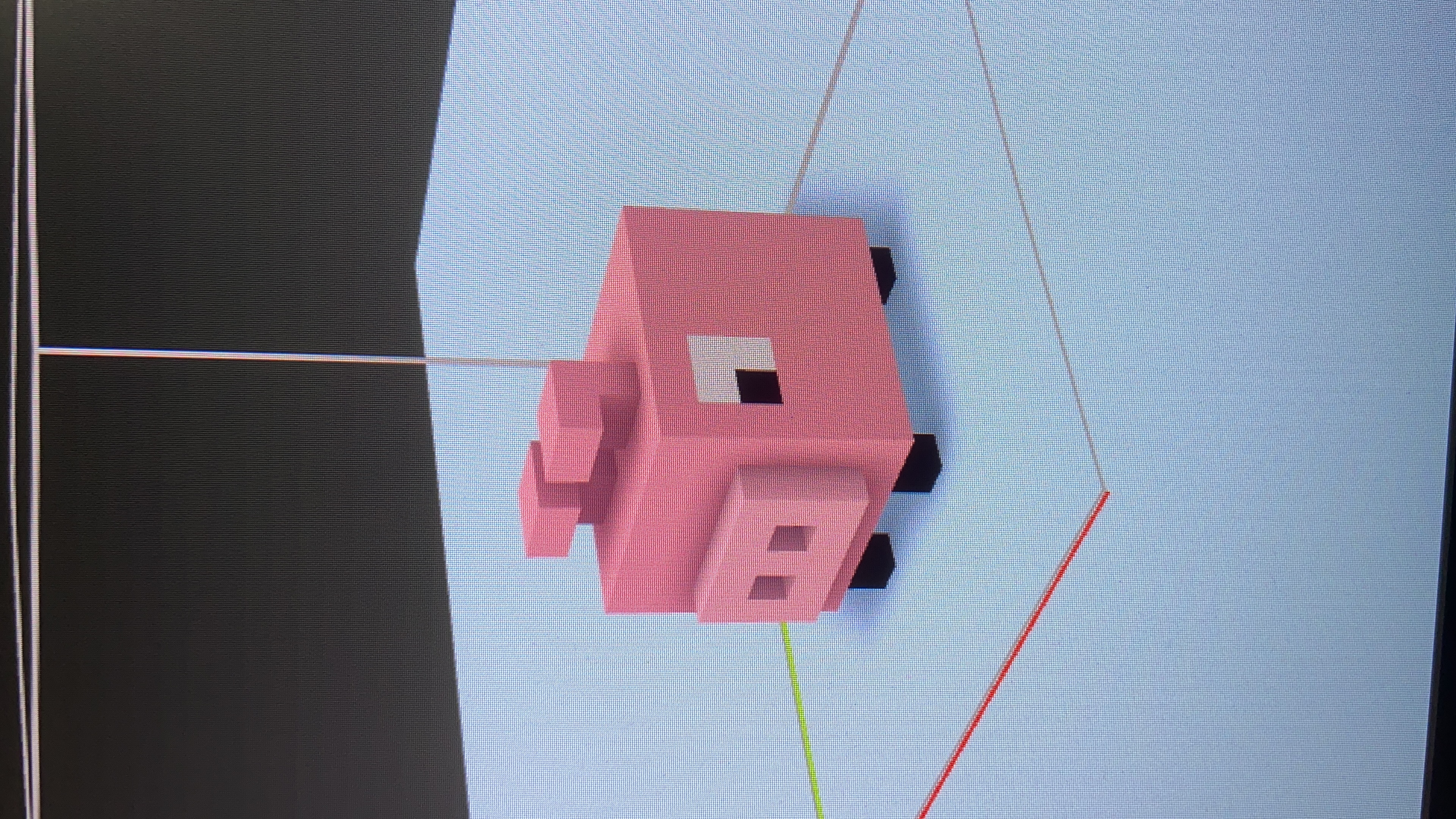
- The art — every model in Blender. Nino himself, the platforms, the clouds, the springs. The voxel style was a deliberate constraint: it is forgiving of a programmer's modeling skills, it reads clearly at phone size, and it keeps the poly count low enough to run on cheap hardware.
- Everything else — the store listing, the icon, the screenshots, the age rating, the ad integration, and the build and signing process for Android.
Music is the one thing I didn't make; it's licensed, and credited in the listing.
Modeling was fun, brainstorming ideas about the main character, the environment, the colors, etc.
What was actually hard
The difficulty curve. The physics took an afternoon; making the game feel right took far longer. Too forgiving and there is no reason to play again, too harsh and nobody gets past the first minute. The only way through it was to keep playing my own game, testing it with friends and my wife, and adjusting one variable at a time — gravity, jump height, platform spacing, how fast the gaps widen — which is a slower and much less scientific loop than I was used to.
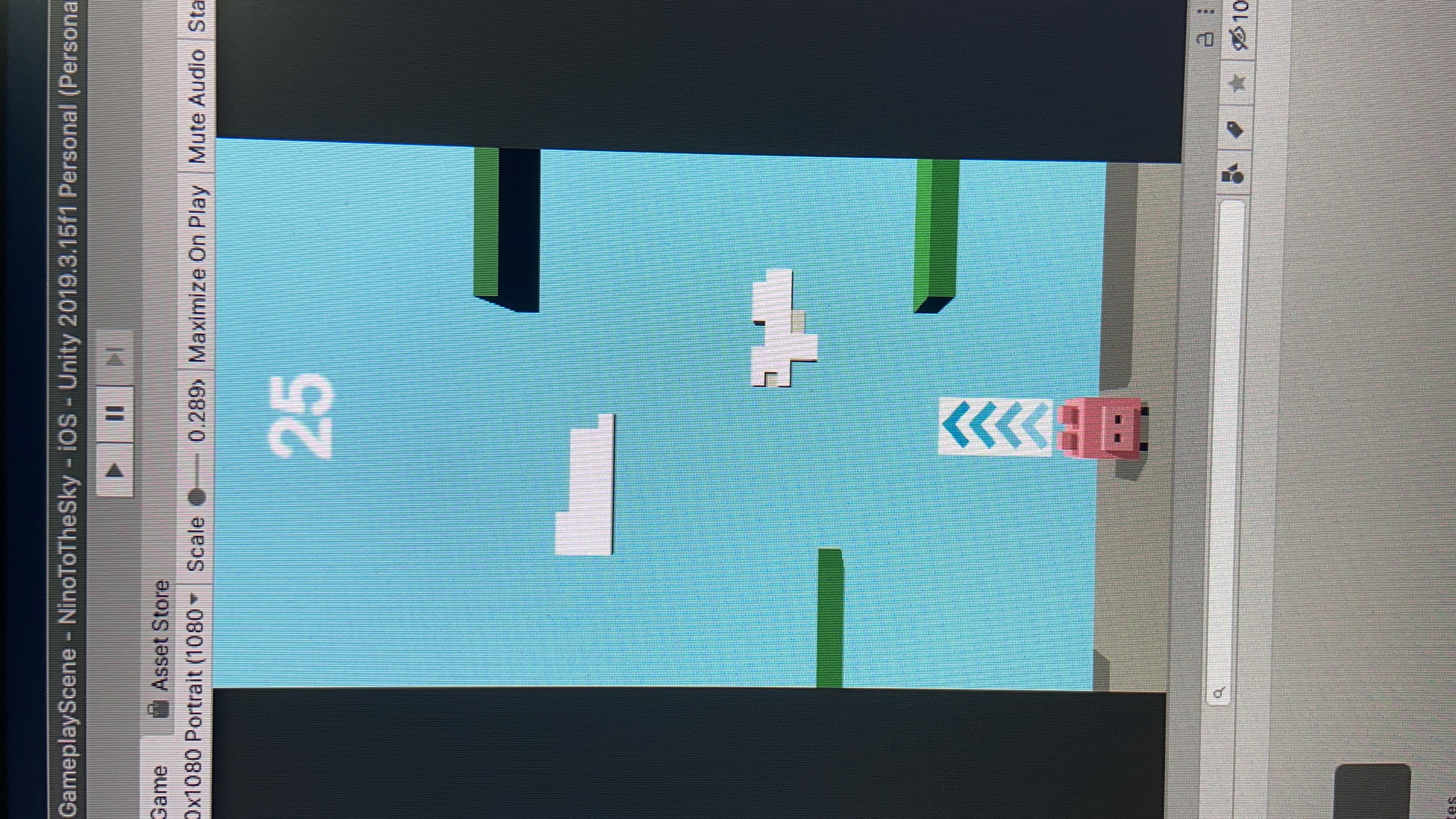
The final version
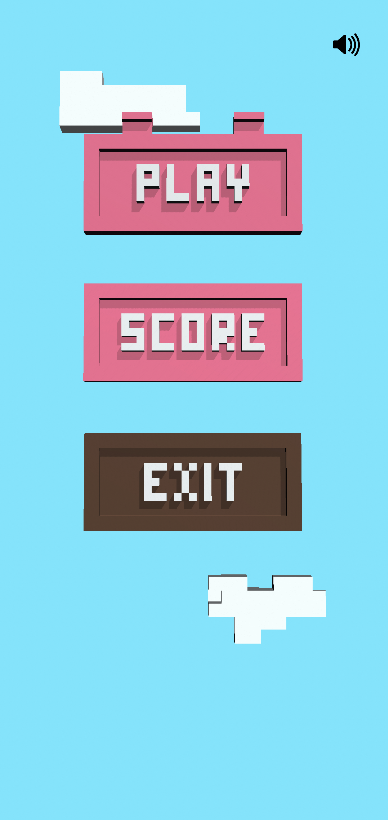
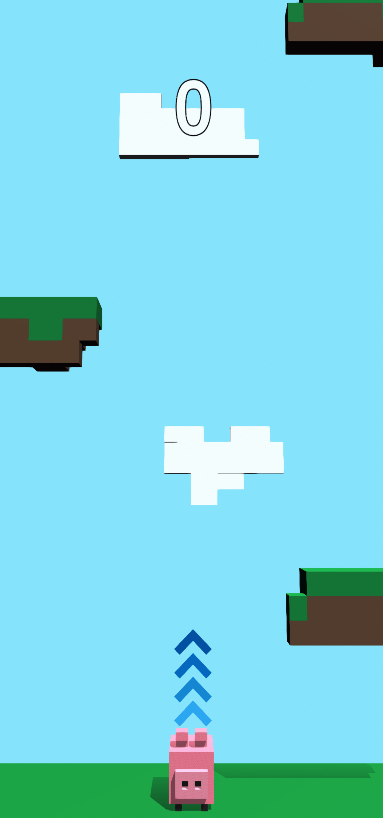
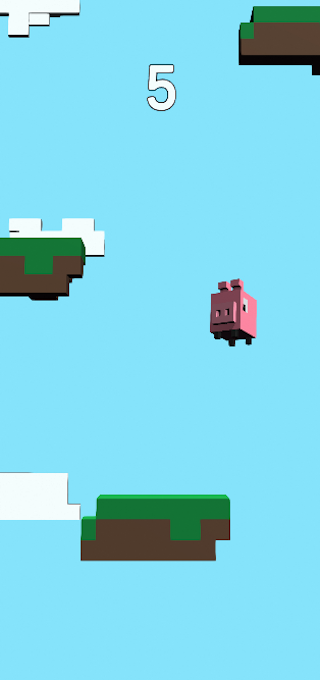
After a few weeks, right before the deadline I set, these are the final results:
Menu
New round
Jumping
Conclusion
This project is completely outside my area of expertise in web/mobile apps, since creating a mobile game that involved physics, gameplay, scoring, effects, and the whole “essence” of the game was something new to me. Although I already had experience creating very small games just for fun, including some for CMD during college a few years ago, this was the first production-ready game I created and shared online. If you haven’t created a game yet, I highly recommend it! It can open your mind to other ways of using programming languages and help you understand a little bit about how some games work behind the scenes.