Senior Software Engineer · 2021–2022
GoodFood CA App
About
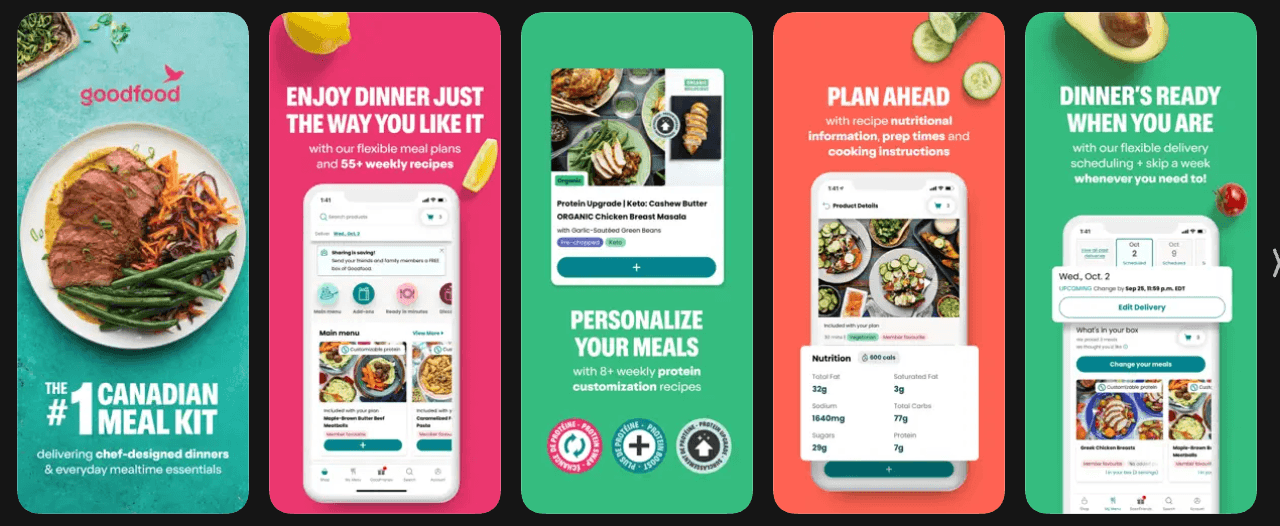
I joined the team to collaborate on the new app refactor, modernizing the codebase along with a major refactor of the company's business view. The company is the #1 in Canada in the Meal Kit area, where users can select plans to get the meal ingredients at home and prepare the meals following the correct amount and with easy-to-follow recipes, designed for them.
The project
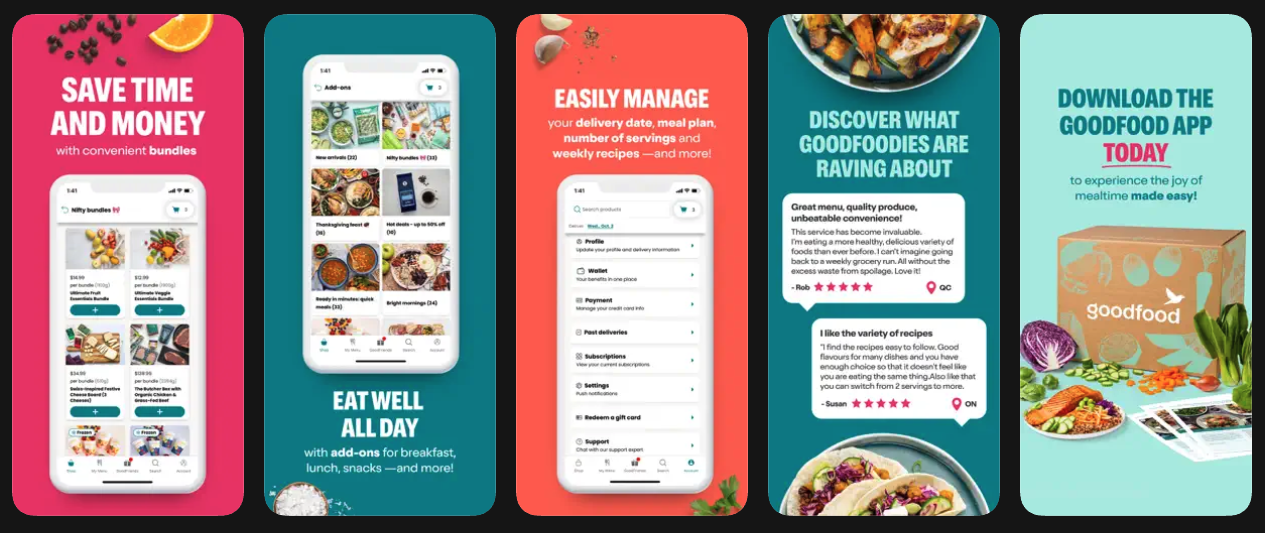
The app itself follows a similar approach to how other food delivery apps work, but has specific features regarding food delivery based on the plan, plan updates, heavy geolocation features to provide an accurate time for delivery, along with authentication, catalog, etc.
I had an impact on key parts of the app, mainly:
- Implement the plan selection flow.
- Improve auth flow and leverage the device's features.
- General UX/UI suggestions/improvements.
1. Implement the plan selection flow
This is where the user could select the plan, customize it and pay. This main flow was mainly implemented by me but also had collaboration from the other two developers that worked with me on this feature. We had several conversations on how to make this flow more fluid, considering the device, caching to improve performance, how to better integrate with the Stripe widget to manage payments, along with animations and transitions to provide the best possible experience to the user.
This was a very interesting flow to work on, mainly because it touched the main features/flow of the project, where the user took the decision to pay us. I remember several conversations on how to improve it and make a better flow, demoing the app at the company's meetings, syncing with stakeholders and delivering this fast.
2. Improve auth flow and leverage the device's features
The mobile devices allow us to leverage authentication features, such as the iOS SMS code login, autocomplete, etc. I was part of these improvements, implementing them and reviewing code related to them. This improved an experience from the user typing his email and password all the time to an email/password flow, but also allowing the user to sign in with third-party libraries, and also keep the credentials saved to just log in with no friction.
3. General UX/UI suggestions/improvements
If there was a project where we talked a lot about UX/UI, it was this one. I remember this was the first project working with libraries such as React Query in Prod apps, dealing with a ton of cache logic to provide the fastest and best experience possible. Leveraging local databases, in-memory cache (React Query and Redux, depending on what we were trying to fix/improve), which turned out the app to be fast even on low-end devices. This was the first project where performance was a big thing, since most users had old devices, and I could also compare the data between iOS and Android, since we used React Native to build for both.
Conclusion
This project and experience taught me a ton about dealing with low-end devices, thinking hard about UX/UI on mobile apps, mainly on the purchase flow (plan selection), dealing with cache, device-specific features, presenting to stakeholders and keeping an eye on feedback from users.